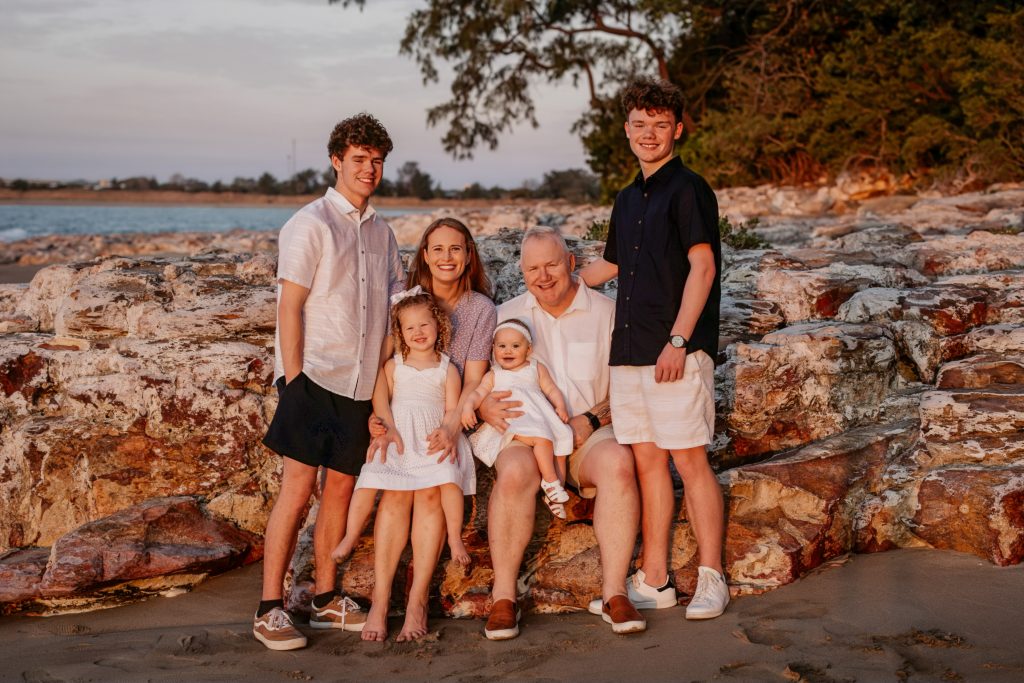
Family Portrait Face Swap & Color Correction
Background/Context
Role: Digital Artist & Retouching Specialist
Tools Used: Photoshop, Lightroom Classic
Company: Omega Photo
Overview
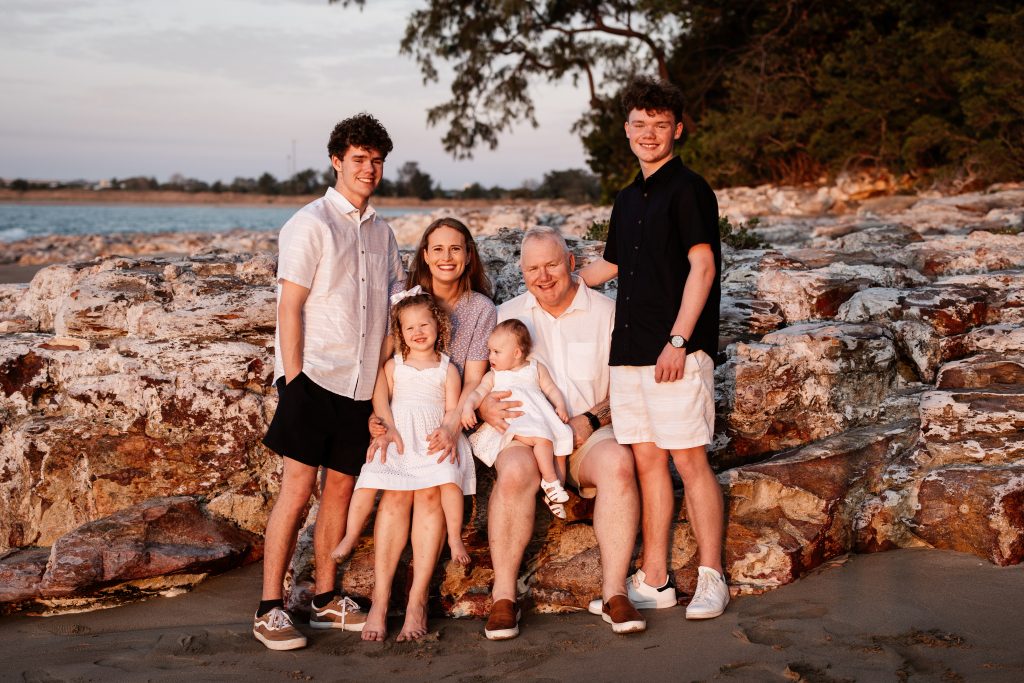
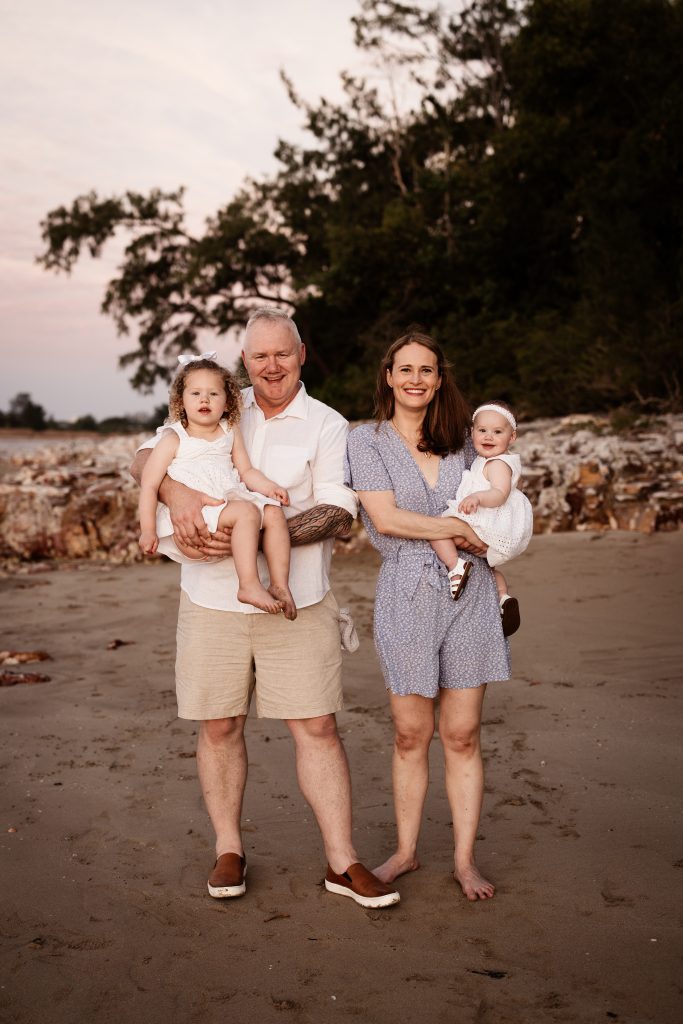
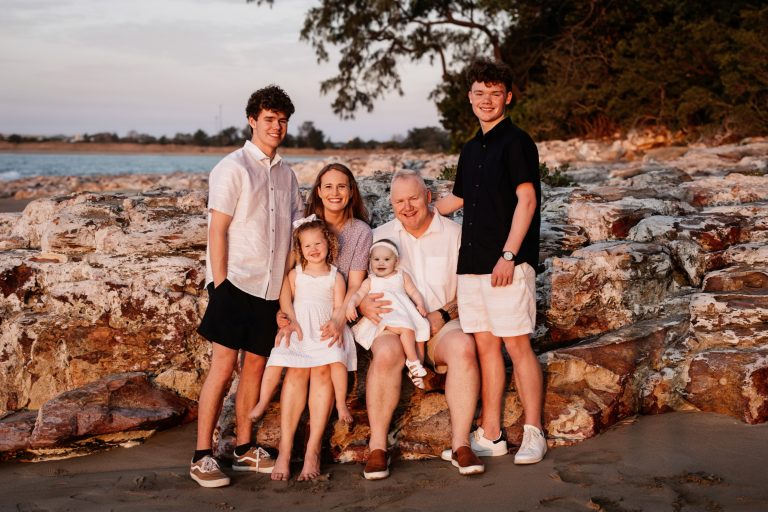
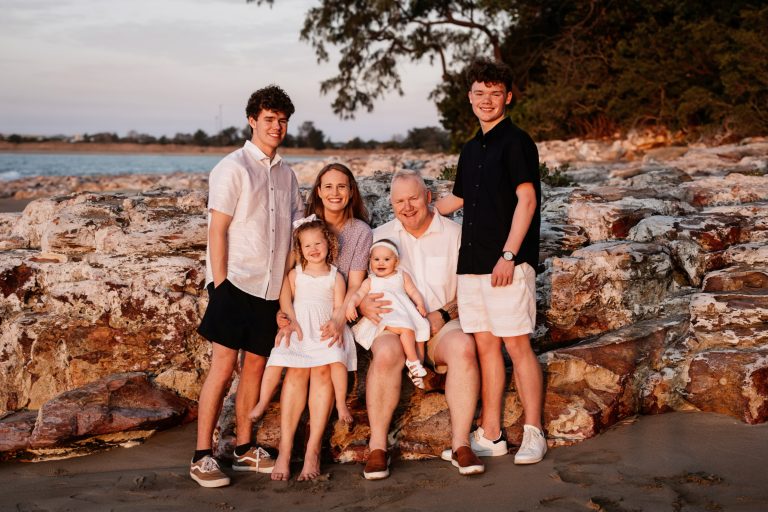
This project was a face swap and color correction request for a family portrait. The client provided two photos: one where the baby was smiling and looking directly at the camera (right), and another family photo where the baby was not looking forward (left). The goal was to combine the two images so the final photo included the entire family with the baby looking at the camera.
Process
Face Swap and Initial Blend
I began by masking the baby’s face from the image where the baby was smiling and placing it onto the family portrait.
Careful attention was given to blending the edges so the face swap looked natural and seamless. Because the two photos were taken at different angles and under different lighting conditions, the baby’s face initially appeared much lighter than the rest of the image.
Color and Lighting Adjustments
To correct this, I adjusted the color balance and lighting on the baby’s face so it better matched the surrounding tones and environment.
Once the face looked cohesive with the rest of the photo, I added a subtle overall color enhancement and adjusted shadows to bring out more detail throughout the image.
Results and Reflection
The entire edit took approximately twenty minutes from start to finish. The client was very happy with the final result and requested both a printed copy and a digital version of the edited image.
This project highlights my ability to work quickly, adapt to lighting inconsistencies, and deliver clean, natural-looking composites while meeting client expectations on a tight timeline.